What merging actually does
A PDF holds its pages in an ordered structure, and each page carries references to the resources it needs: fonts, embedded images, colour profiles. Merging is not stapling two files together. It means building a new document, copying every page from each source into it, and bringing along each page's resources so it still renders correctly in its new home.
This is why a merged file is usually a little smaller than the sum of its parts, and why a merge can occasionally surprise you: if two documents embed the same font differently, the merged file carries what each page needs rather than picking a winner.
Merging two or more PDFs
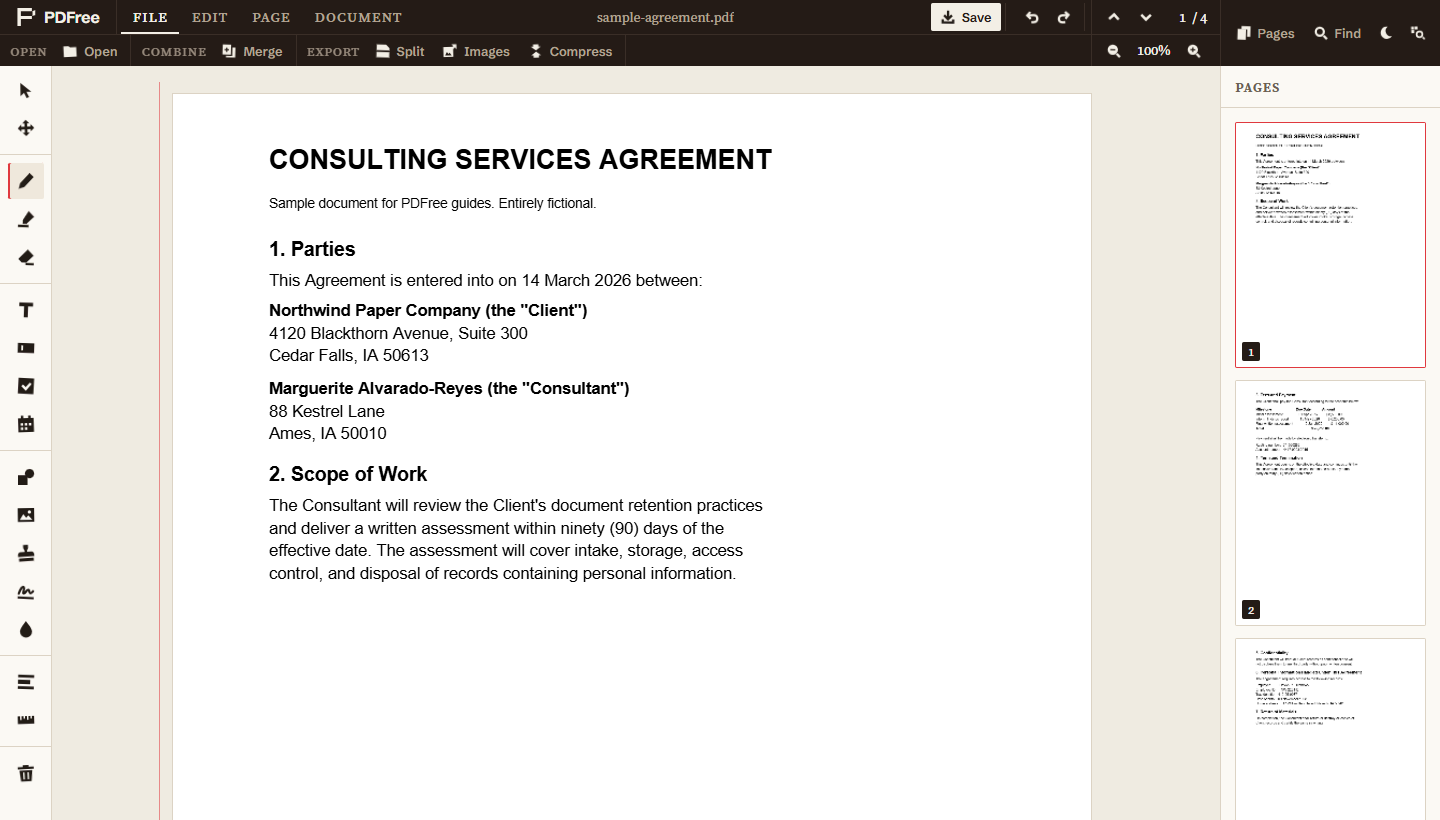
- Open the first PDFThis one becomes the base. Its pages stay at the front, so open whichever document should lead.
- Open the File tabThe tabs along the top of the editor hold the file, page, and document operations, separate from the annotation tools down the left.
- Choose MergePick the second file. Its pages are appended to the end of the current document.
- Repeat for each additional fileThere is no limit on how many you merge in. Each one appends to the end in turn.
- Reorder if you need to, then saveNothing is written until you save, so the merge is entirely reversible up to that point. Closing without saving leaves every original untouched.
Getting the order right
Merging always appends, so the simplest way to control the result is to merge in the order you want and let it fall out correctly. That is not always possible, and it is not the only option.
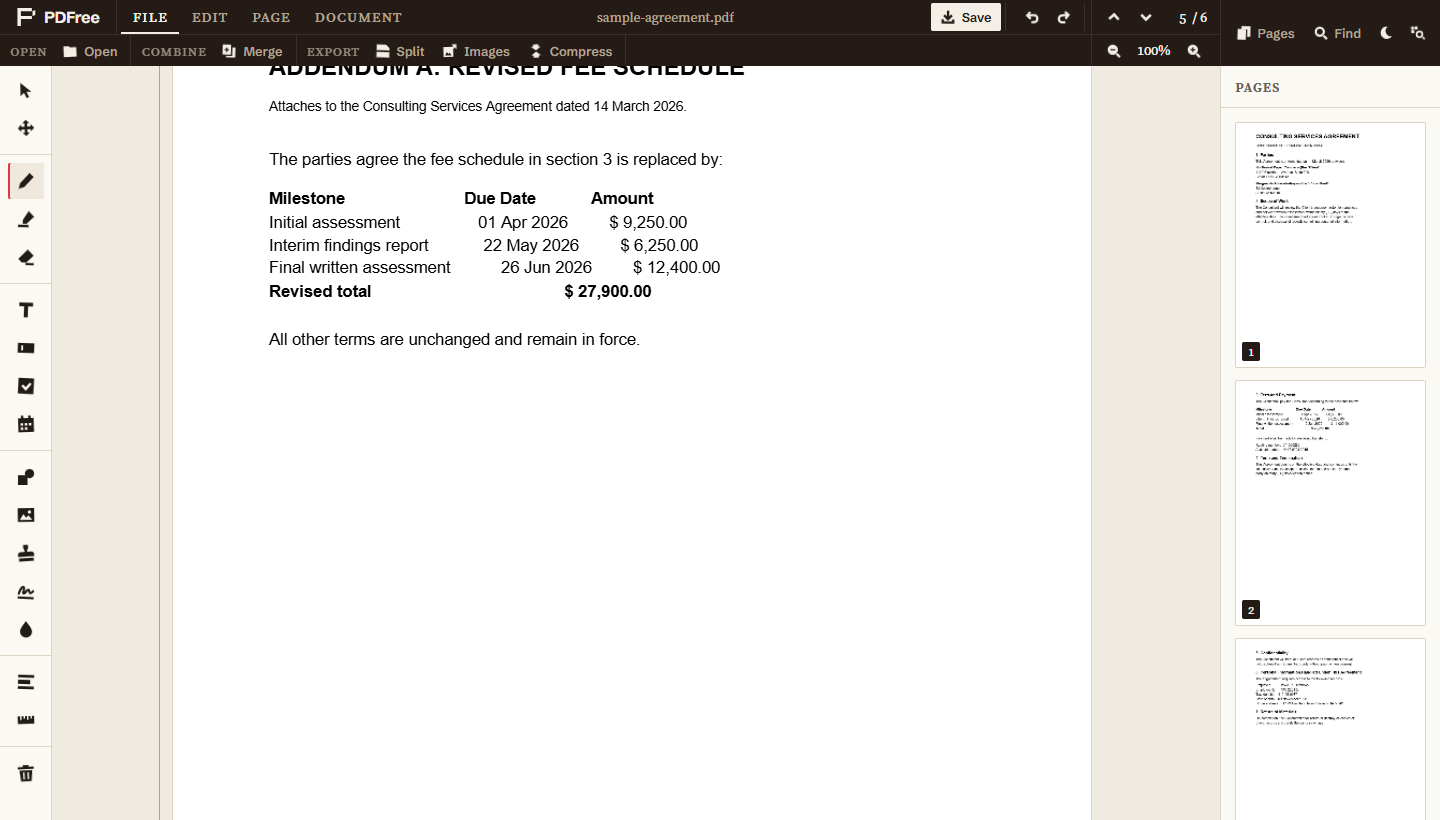
Open the page thumbnail sidebar and you can drag pages into any order you like after the merge. This is the honest way to do it when you need pages interleaved rather than stacked, for example combining a scanned signature page back into the middle of a contract. Drag it from the end to its proper place and the document reads correctly.
The reordering happens on the working document, so you can shuffle, look at it, and shuffle again before committing anything to disk. See the guide on page operations for the full set of moves, including rotating a page that came in sideways from a scanner.
What survives the merge
Annotations you have already added stay attached to their page and travel with it, including through a reorder. A highlight on page three is still on page three after the merge, and still on that same page if you drag it to position ten.
One case deserves attention. If any page carries a redaction, saving rebuilds that page as a flattened image so the covered text is genuinely removed rather than hidden. That behaviour is unchanged by merging, and the editor tells you how many pages were flattened when you save. If you are merging documents that contain redactions, read the redaction guide so you know exactly what the output contains.
When the page sizes do not match
Merging documents of different page sizes is legal and common, and the result is a PDF whose pages are genuinely different sizes. A4 pages stay A4, US Letter pages stay Letter, and a scanned receipt stays receipt-shaped. Nothing is stretched or cropped to force agreement, which is the right behaviour: silently resizing a page would change its content.
On screen this is barely noticeable. On paper it is very noticeable, because the printer either scales pages to fit or prints them at different margins. If the merged document is going to be printed, check the page sizes before you send it rather than after someone complains.
The same applies to orientation. A landscape page merged into a portrait document stays landscape. If it came in sideways from a scanner rather than being genuinely landscape, rotate it, which is a separate operation covered in the page operations guide.
Why doing it locally matters here
Merging is where the privacy argument stops being abstract. Think about what people actually merge: a signed contract with its appendices, a set of bank statements for a mortgage application, medical records being sent to a specialist, invoices for an accountant. Merging is the operation you reach for precisely when you are assembling a complete picture of something sensitive.
Every server-based merge tool requires you to upload all of those documents at once, which is strictly worse than uploading any one of them. You are handing over the assembled set, already organised, to a service you have no visibility into.
Doing it in the browser removes the question. The files are read from your disk, combined in memory, and written back to your disk. There is no upload step to trust because there is no upload. The longer version of that argument is here.